
Documentation Index
Fetch the complete documentation index at: https://docs.routerlink.ai/llms.txt
Use this file to discover all available pages before exploring further.
本文档仅供参考,演示如何配置我们的 API 与第三方 AI 聊天界面配合使用。文中提及的任何第三方软件、网站或服务均非由我们运营、控制或背书。
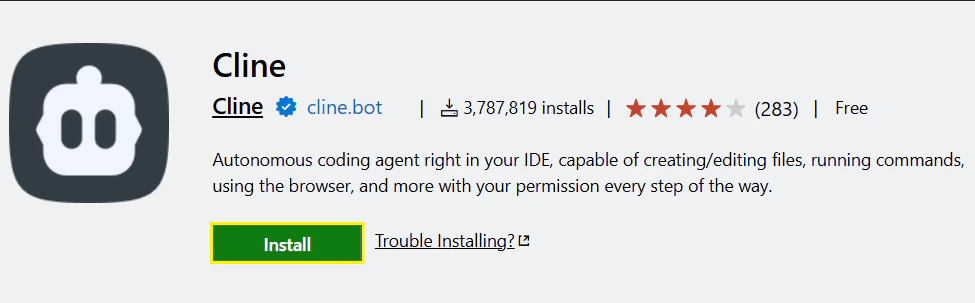
Cline 插件简介
步骤
模型配置与 API Key
点击侧边栏的 “Cline” 图标启动插件,然后点击 x. 如果出现”How will you use Cline”, 请选择“Absoluately Free”。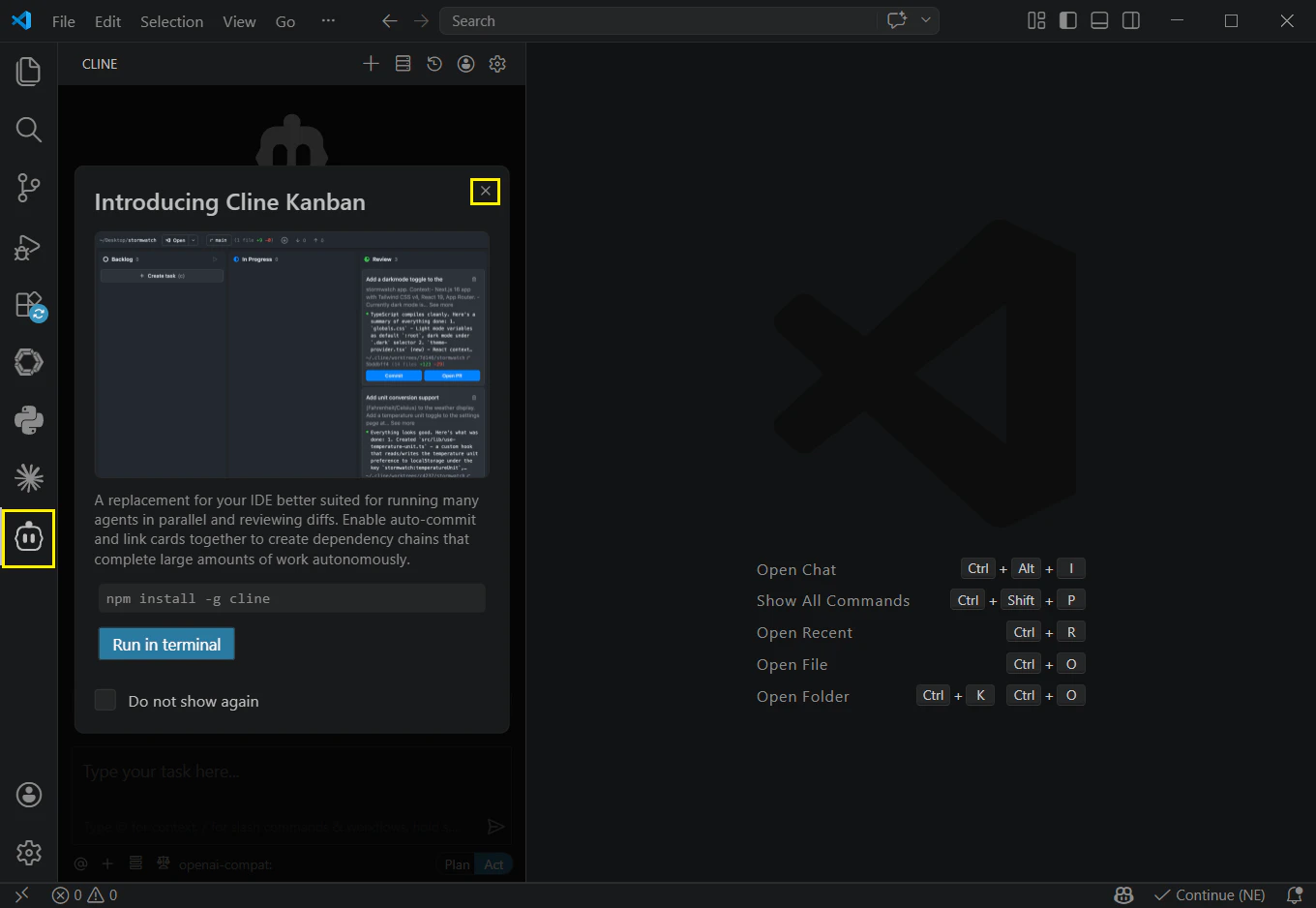
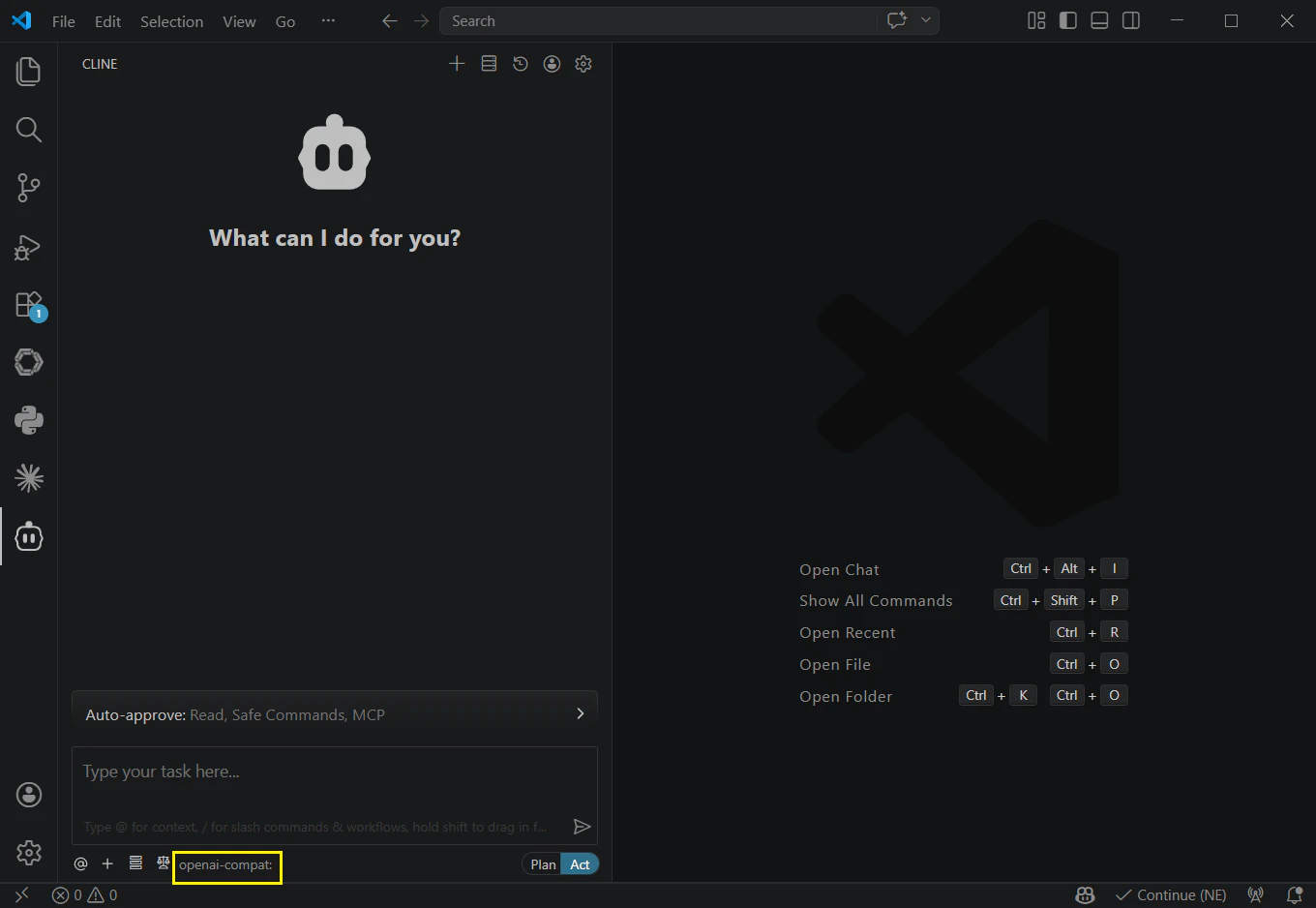
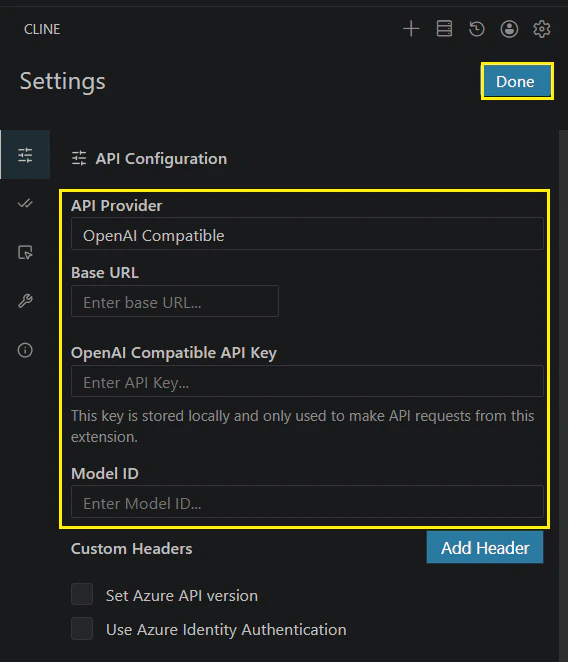
您可以通过改变 Model ID 手动切换模型(需要使用 OpenAI 兼容的 API 格式):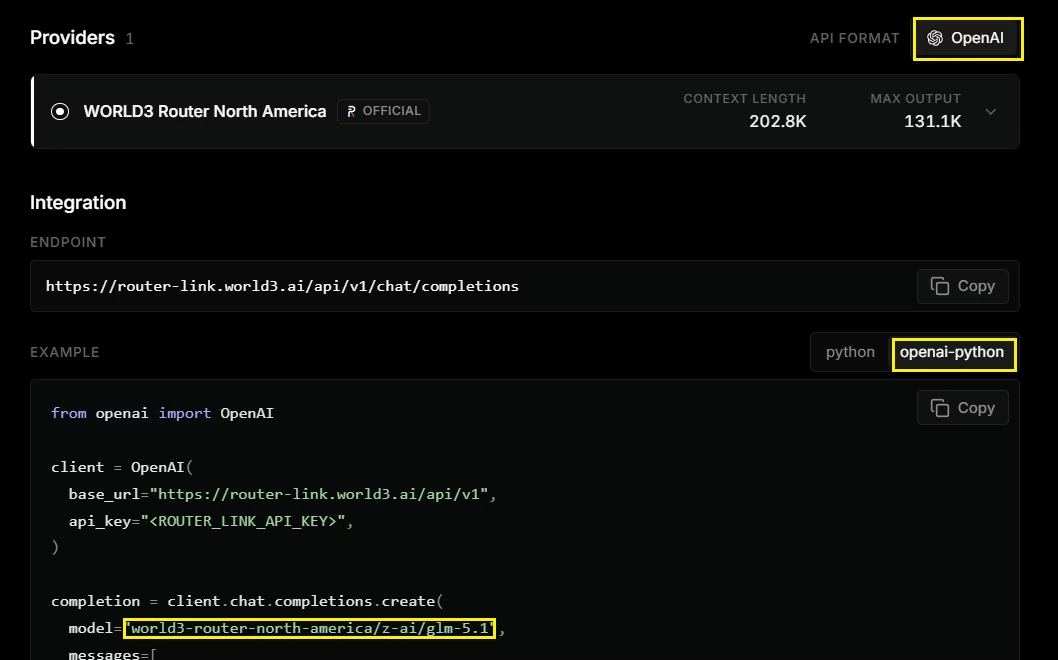
| 字段 | 内容 |
|---|---|
| API Provider | 选择 “OpenAI Compatible” |
| Base URL | https://router-link.world3.ai/api/v1 |
| API Key | 从 RouterLink 获取 |
| Model ID | world3-router-north-america/anthropic/claude-opus-4.7 |